Overview
I created a lot of Asset Action Utility and Actor Action Utility tools in Unreal Engine over the last few years. I explain some of them in a separate case study, but one of the most useful small tools was this referencer and dependency utility.
It looks simple at first, but it opened the door to much easier automation inside the editor. It also became one of the core logic pieces behind more complex editor systems I made, like the material reparenting tool.
The main idea was simple: give me a reliable way to find what an asset depends on, and what assets are referencing it, beyond only the first layer.
The Problem
Unreal already gives access to referencers and dependencies through the Asset Registry Interface in Blueprint. The issue is that the normal node gives you the first layer only.
For example, if I check one material, I can get the textures or material instances directly connected to it. But in real production cases, that is usually not enough. Assets are connected through multiple layers, and if I want to understand the full chain, I need to keep checking the dependencies and referencers of each result again.
That means the search needs to be recursive.
Doing recursive for loops inside Blueprint is possible, but it becomes messy very quickly. It is harder to maintain, harder to debug, and not something I wanted to build as a large Blueprint graph.
My Approach
I kept the editor workflow in Blueprint, because that is fast for building utility widgets and artist-facing tools. But for the recursive searching logic, I used the Unreal Python API.
The Blueprint tool calls an Execute Python Script node, and the Python part recursively searches through the referencers or dependencies. After the script finishes, I get arrays of related assets back in Blueprint, and then I can iterate, filter, display, open, spawn, or bulk edit them.
This gave me the best of both sides:
- Blueprint for the UI and editor tool logic.
- Python for the recursive asset search.
- Asset Registry for getting the actual referencer and dependency data.
How It Works
The tool starts with a selected asset. From there, it asks the Asset Registry for the direct referencers or dependencies.
Then the Python logic repeats the same search on each result, so the tool can continue through the asset chain instead of stopping at the first layer.
After the recursive search is done, the result is returned as an array that I can use in Blueprint.
Once I have that array, the tool becomes much more flexible. I can filter the assets by class, check paths, open them in the editor, spawn them in a level, or use the list as an input for another automation tool.
Filtering Assets
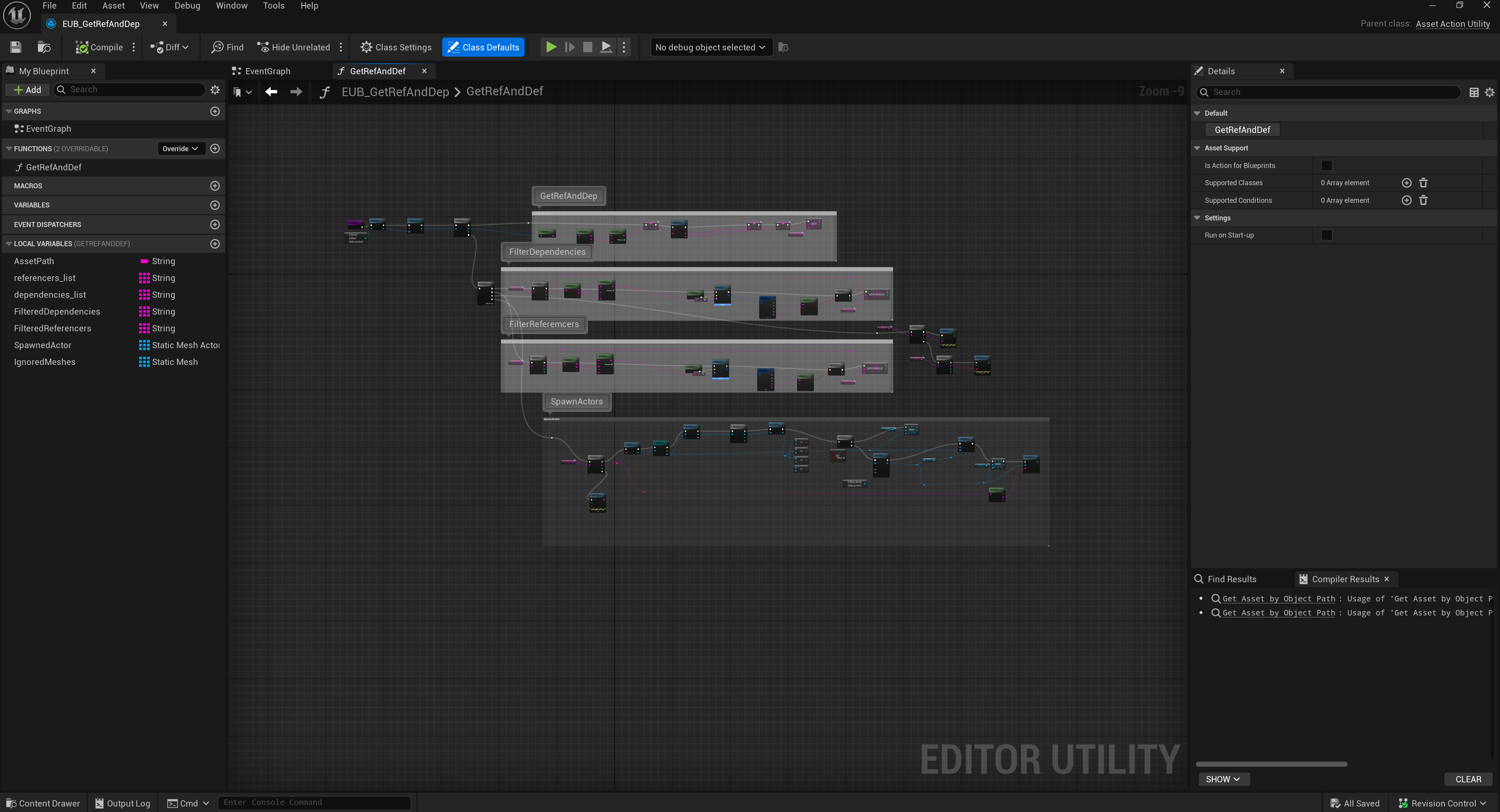
One very useful part is filtering the referencers or dependencies by asset type.
For example, if I get assets by object path, the asset data structure has a string variable called AssetClassPath.PathString. I can check that string and see if it contains the class I am looking for.
So if I only want static meshes, textures, material instances, or other specific asset types, I can filter the result list very quickly.
This is a small thing, but it makes the tool much more useful in real production work because most of the time I do not want every related asset. I want a specific type of related asset.
Practical Use Cases
This utility became useful in a lot of different editor workflows.
Some examples:
- Create custom filters for referencers or dependencies of an asset.
- Find only static meshes, textures, material instances, or other asset classes.
- Spawn dependencies or referencers in a level for visual quality checks.
- Run the logic on a Blueprint asset and automatically spawn related static meshes in a clean layout.
- Open dependent textures or material instances directly in the editor.
- Bulk edit dependencies of selected assets.
- Search multiple assets and check if they reference or depend on a specific asset.
- Support safer cleanup workflows when deleting assets and checking what is connected to them.
Connection to Other Tools
This utility was not only useful by itself. It also became a base logic for more complex tools.
One example is the material reparenting tool. For that kind of tool, it is important to understand which material instances, textures, and related assets are connected to the selected material. Without a reliable dependency and referencer search, the automation becomes risky.
By having this recursive system, I could build higher-level tools on top of it with more confidence.
Result
The result was a small but very useful editor utility that made asset relationships much easier to understand and use in automation.
It helped me move from manual searching in the Content Browser to a more systematic workflow where I could collect, filter, and process related assets automatically.
For me, this kind of utility is important because it is not only about saving a few clicks. It creates the base for larger production tools, where clean asset data and reliable automation are required.
.png)
.png)